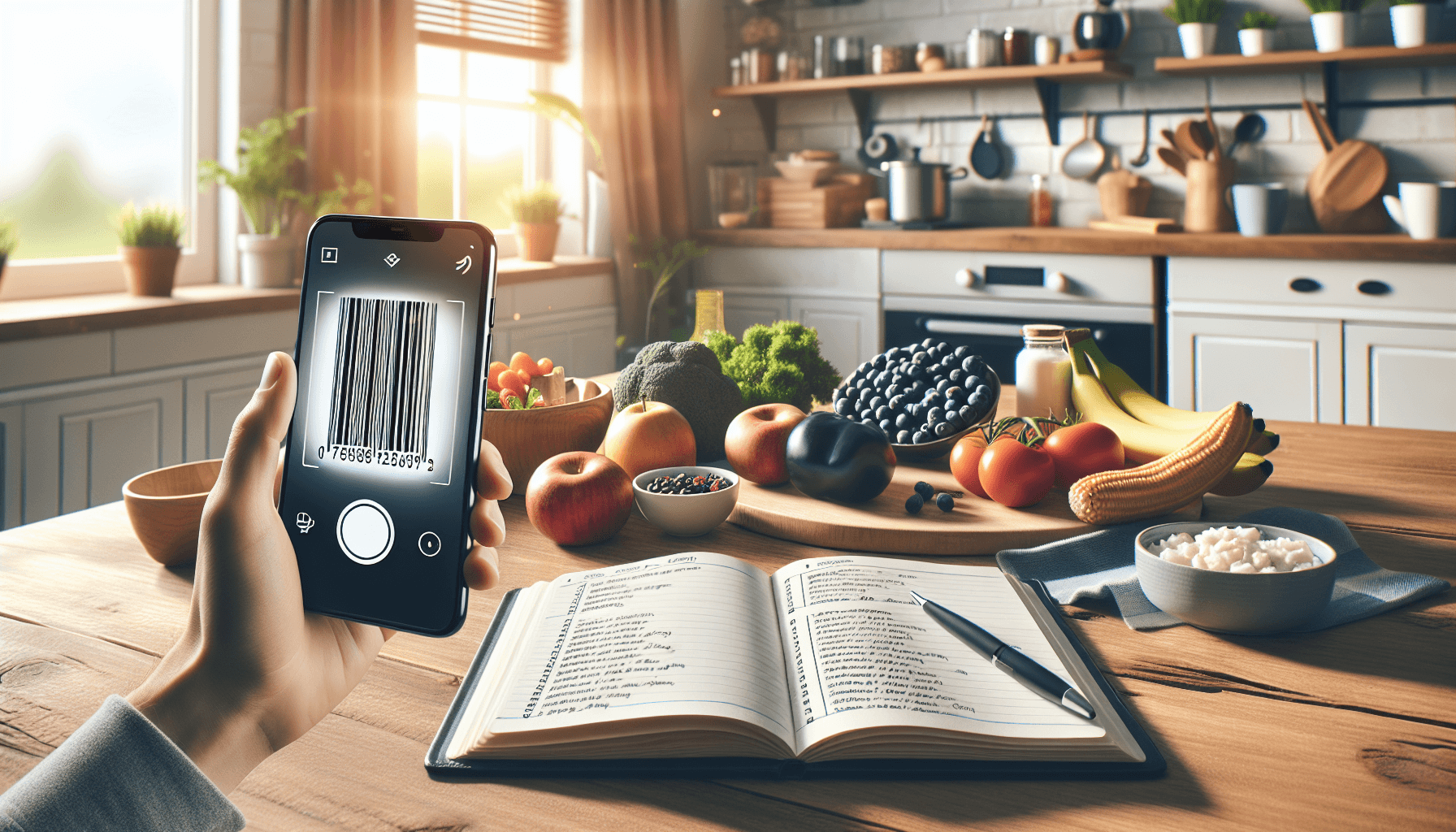
Using Barcode Scanning for Food Logging
Barcode scanning is an efficient way to log food items in calorie tracking apps. It allows users to quickly capture nutritional information without the hassle of manual entry, making food logging seamless and accurate.
What is Barcode Scanning in Food Logging?
Barcode scanning in food logging involves using your smartphone’s camera to scan the barcode on food packaging. This technology retrieves product information, including calories, macronutrients, and ingredients, directly from a database, significantly speeding up the logging process.
Benefits of Using Barcode Scanning
1. Speed and Efficiency
Scanning barcodes can take just a few seconds, compared to manual entry, which can be time-consuming. This feature is especially useful for busy individuals who want to track their food intake without spending too much time.
2. Accuracy
Barcode scanning minimizes human error. The information retrieved is pulled from a reliable database, ensuring that your food log is accurate. This is crucial for effective calorie tracking and achieving your nutrition goals.
3. Convenience
Most packaged foods have barcodes, making it easy to log a wide variety of items. With the right app, you can scan items right in the grocery store or from your kitchen pantry.
How to Use Barcode Scanning for Food Logging
Step 1: Choose a Calorie Tracking App
Select a calorie tracking app that supports barcode scanning. For instance, the Last Calorie app offers a robust barcode scanning feature that integrates with its extensive food database.
Step 2: Open the Scanning Feature
In the app, navigate to the food logging section and select the barcode scanning option. This will activate your camera.
Step 3: Scan the Barcode
Align the barcode within the scanning frame on your screen. The app will automatically recognize the barcode and retrieve the product information.
Step 4: Confirm and Log
Review the nutritional information provided by the app to ensure its accuracy. Confirm the details and log the item into your food diary.
Practical Tips for Effective Barcode Scanning
- Keep Your Camera Clean: Ensure your camera lens is clean for better scanning accuracy.
- Check for Updates: Regularly update your app to access the latest food database and features.
- Use the Search Feature: If a barcode doesn’t scan, most apps, including Last Calorie, allow you to search for the food item manually.
- Combine with Other Logging Methods: For homemade meals or foods without barcodes, consider using the AI photo logging feature in Last Calorie for quick nutritional analysis.
Conclusion
Using barcode scanning for food logging streamlines the calorie tracking process, making it easier and more accurate. With features like those provided by Last Calorie, such as barcode scanning and AI photo logging, you can efficiently manage your nutrition goals.
Start using Last Calorie today to simplify your food logging experience and get instant nutritional breakdowns with just a snap. Download the app for free on iOS and Android, and explore how quick and easy calorie tracking can be.