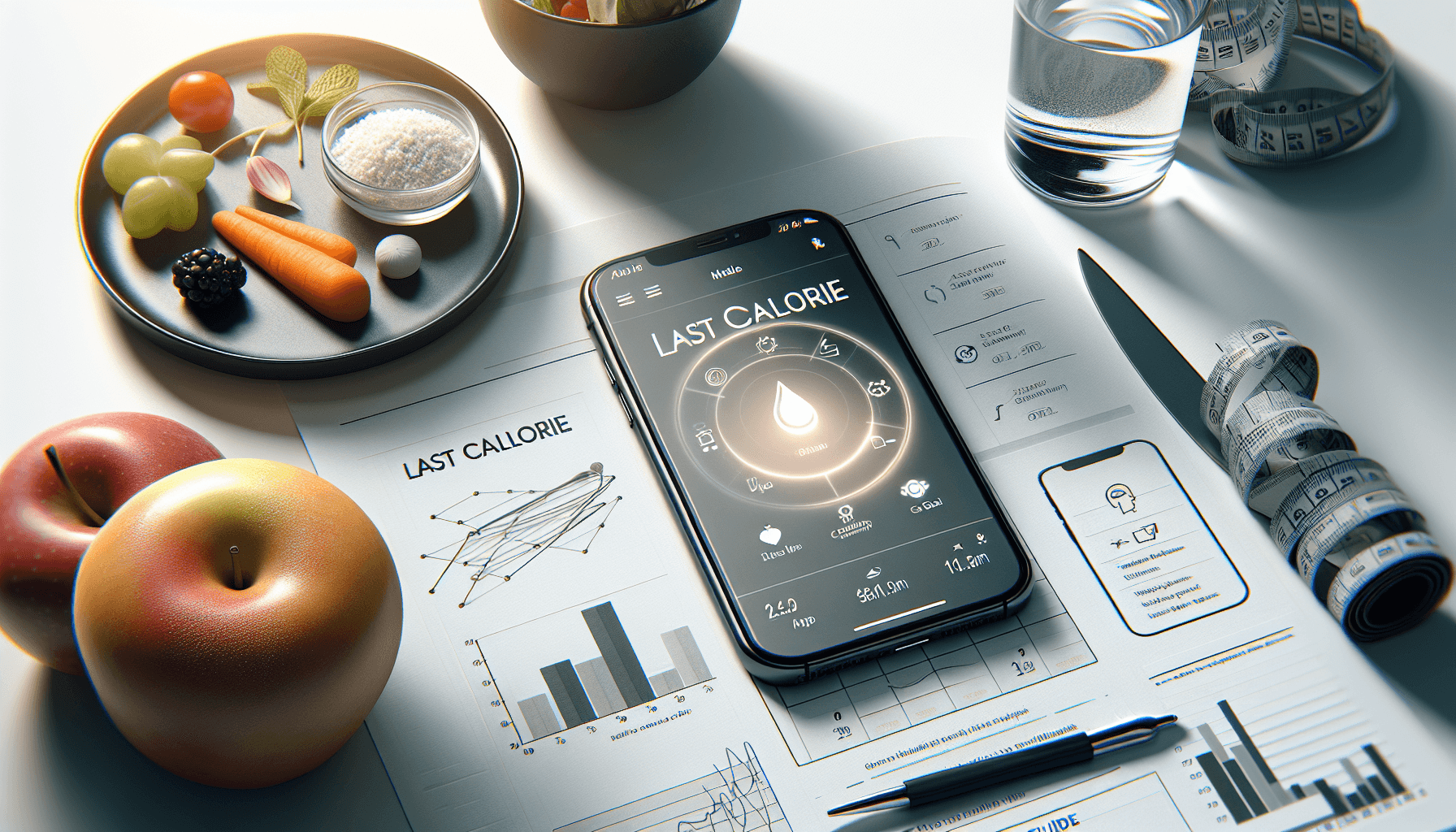
Getting Started with Last Calorie
Getting started with Last Calorie is simple and effective for anyone looking to track their nutrition. This app guide will walk you through the essential steps to maximize your experience with the powerful features of Last Calorie, making your nutrition tracking easier than ever.
Why Choose Last Calorie?
Last Calorie combines user-friendly design with advanced technology to help you achieve your nutrition goals. With features like AI photo logging, barcode scanning, and an extensive food database, Last Calorie stands out as a comprehensive solution for tracking your calories and macros.
Setting Up Your Last Calorie Account
Step 1: Download the App
To begin, download the Last Calorie app from the iOS App Store or Google Play Store. The app is available for free, with no credit card required, making it accessible for everyone.
Step 2: Create Your Profile
Once installed, open the app and create your profile. Enter your personal details, including age, weight, height, and fitness goals (weight loss, muscle gain, or maintenance).
Step 3: Set Your Daily Goals
After setting up your profile, Last Calorie will recommend daily calorie and macro targets tailored to your goals. You can adjust these targets as necessary to fit your preferences.
How to Log Your Meals
AI Photo Logging
One of the standout features of Last Calorie is its AI photo logging capability. Simply snap a photo of your meal, and the app will instantly provide a calorie and macro breakdown in seconds. This feature not only saves time but also enhances accuracy compared to manual entry.
Manual Entry and Barcode Scanning
In addition to photo logging, Last Calorie offers manual entry for foods not captured by the camera. You can also use the barcode scanning feature for packaged foods, making it easy to track your meals on the go.
Tracking Your Progress
Monitor Your Nutrients
Last Calorie helps you keep track of not just calories, but also protein, fat, carbs, and micronutrients. Regularly reviewing your nutrient intake can provide insights into your eating habits and help you adjust for better results.
Utilize Gamification Features
Engage with the app using its gamification features, such as map painting, streaks, and leaderboards. These features can motivate you to stick to your nutrition goals and make tracking more enjoyable.
Get Personalized Nutrition Guidance
Chat with LorieAI
For personalized support, utilize the Oracle AI chat feature, LorieAI. It offers tailored nutrition advice based on your logged meals and dietary preferences, helping you to make informed choices that align with your goals.
Conclusion
Getting started with Last Calorie is a straightforward process that can significantly enhance your nutrition tracking experience. With features like AI photo logging and personalized guidance from LorieAI, Last Calorie is your ideal partner in achieving your health and fitness goals.
Ready to take your nutrition tracking to the next level? Download Last Calorie today and experience the convenience of AI photo logging for quick and accurate meal logging!